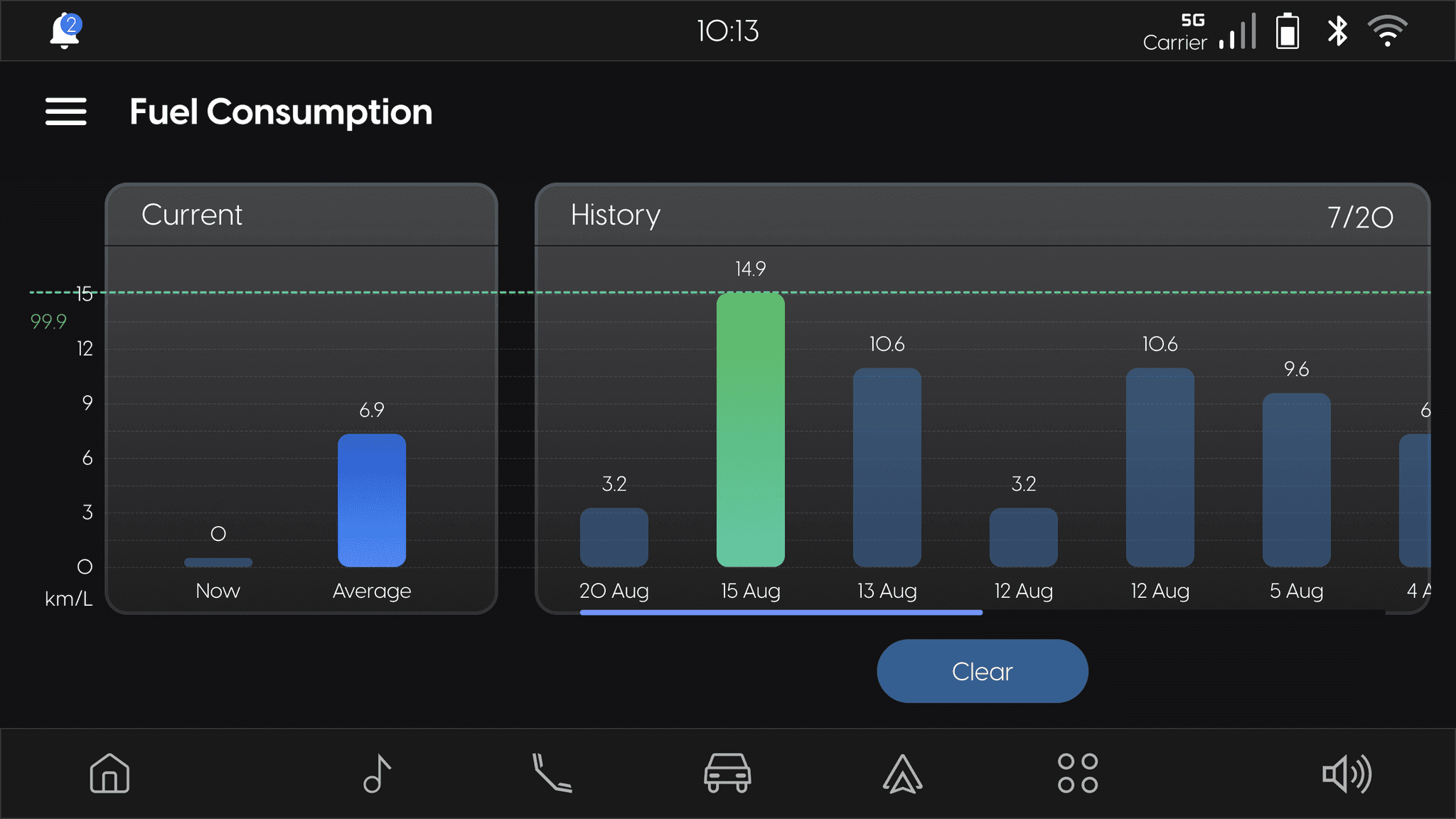
Key Features
• Rescaling Screens & UI Components: Adapting existing infotainment screens, components, and icons for a smaller viewport without compromising usability.
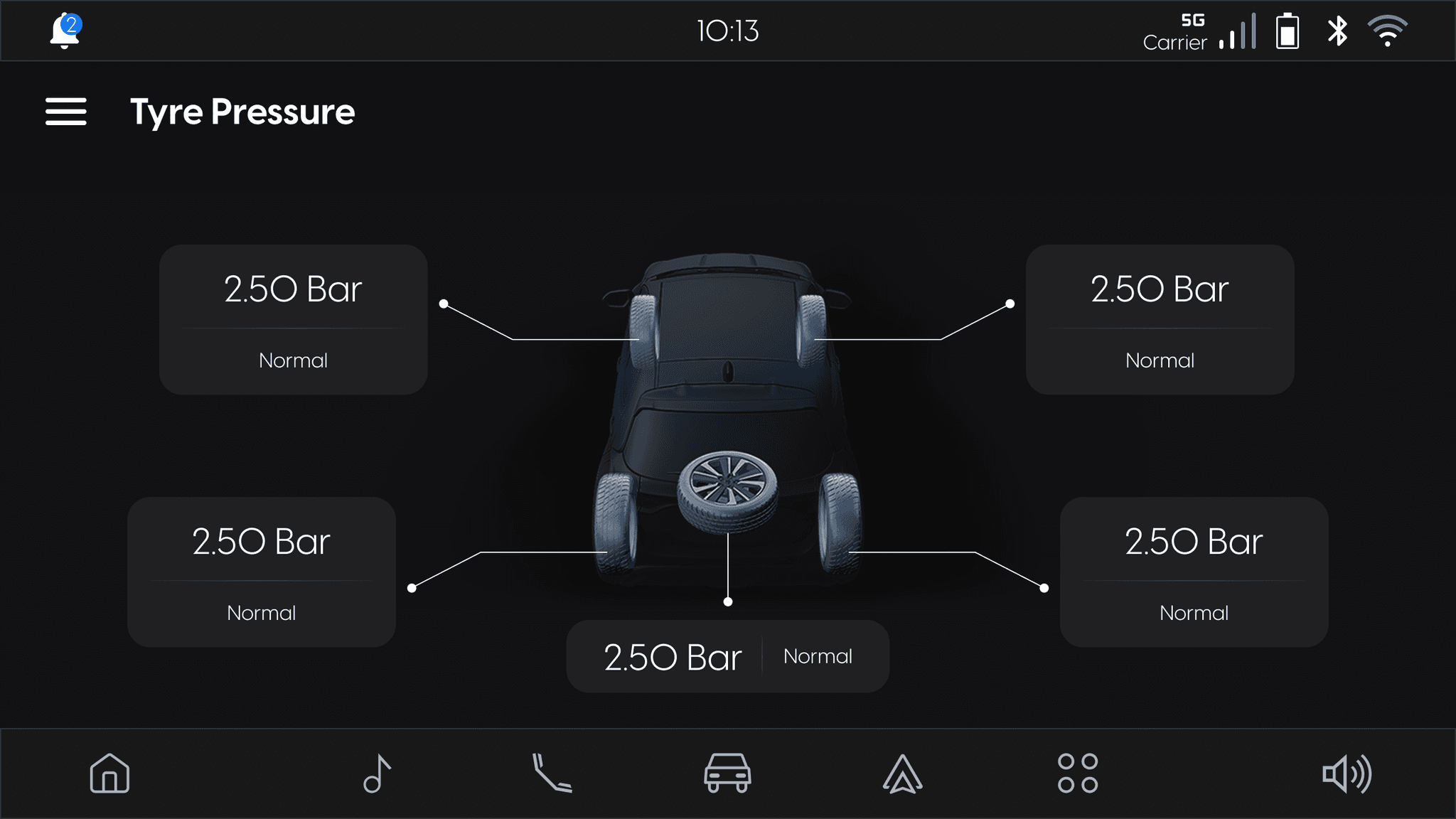
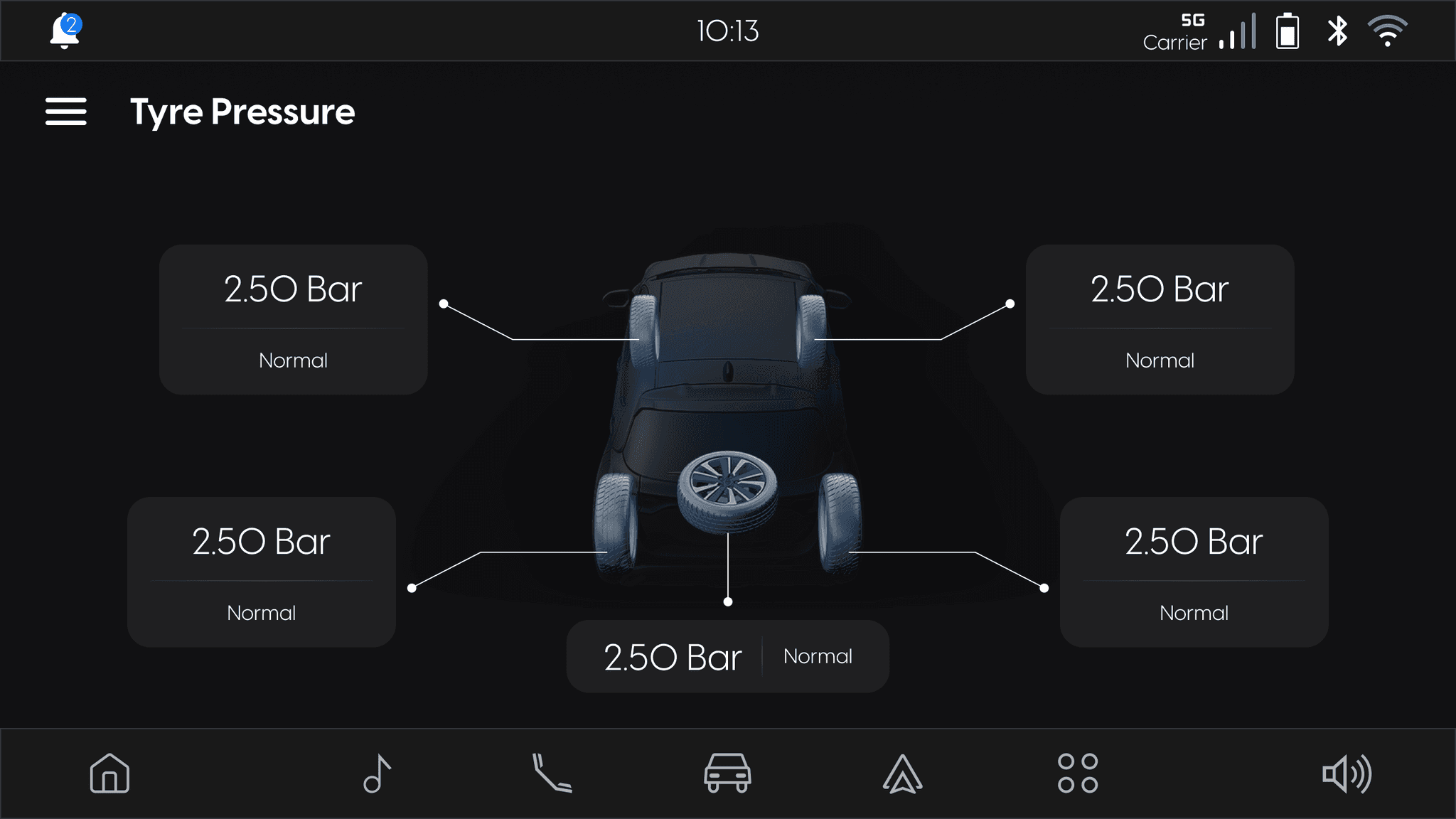
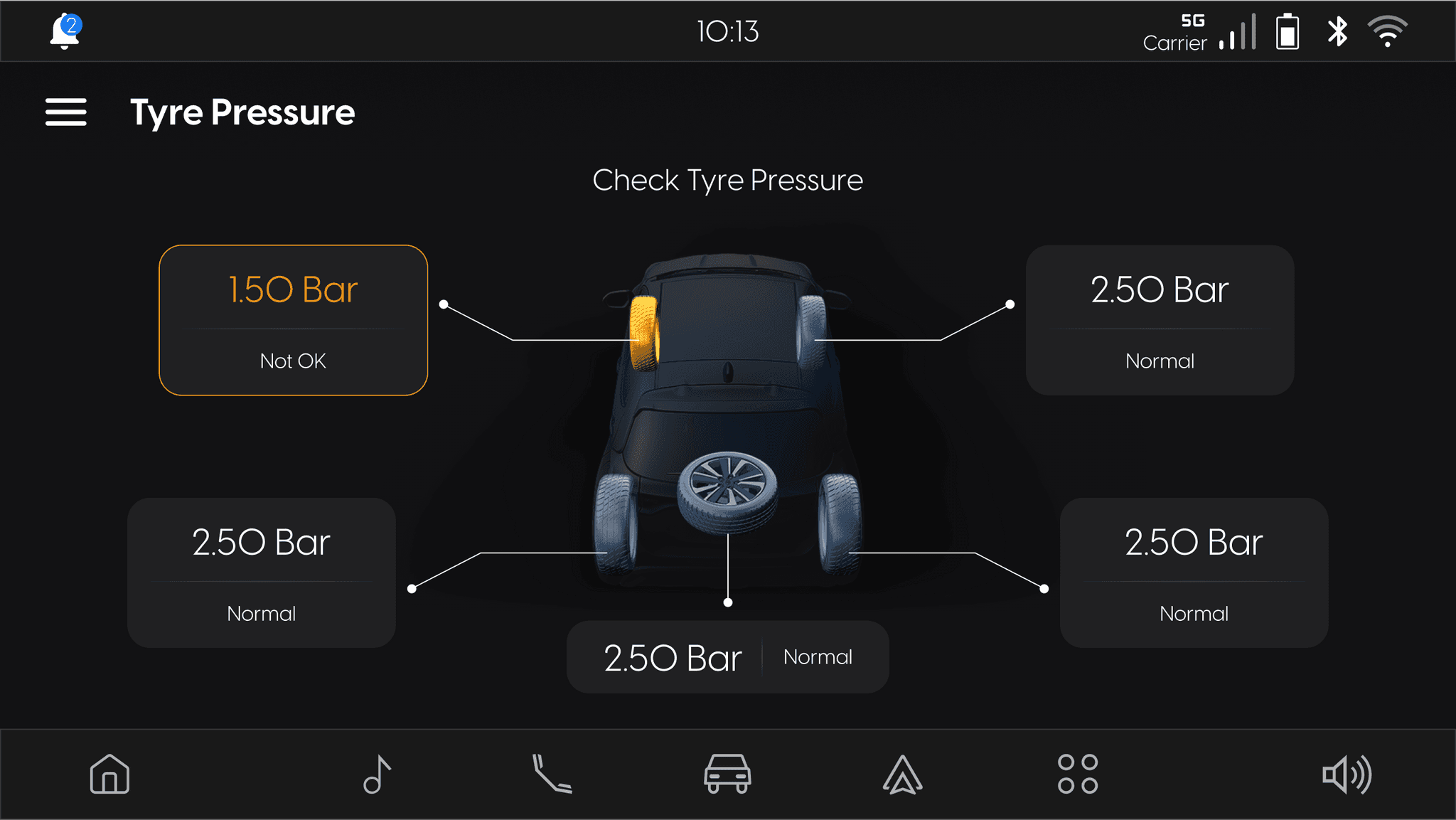
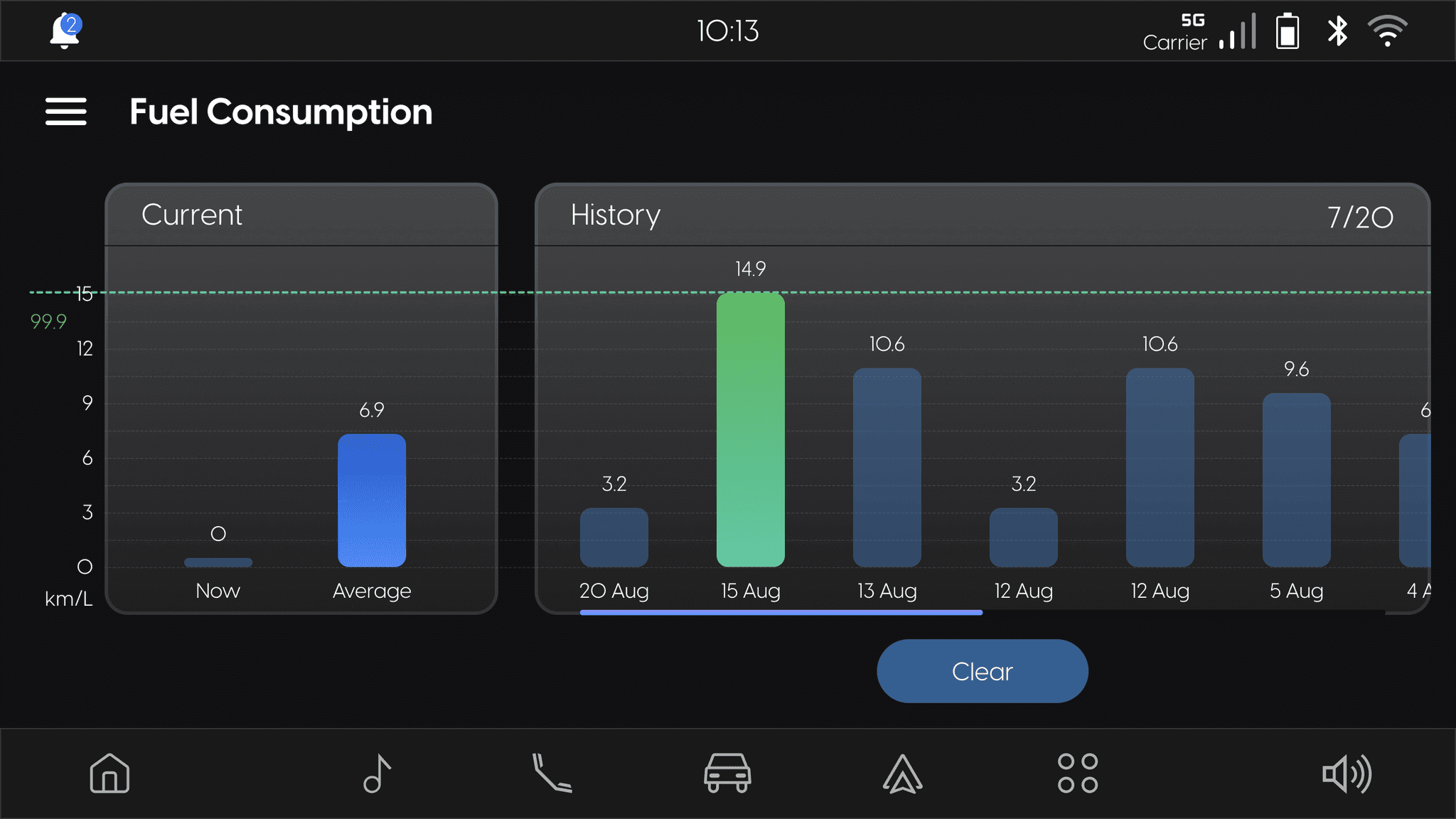
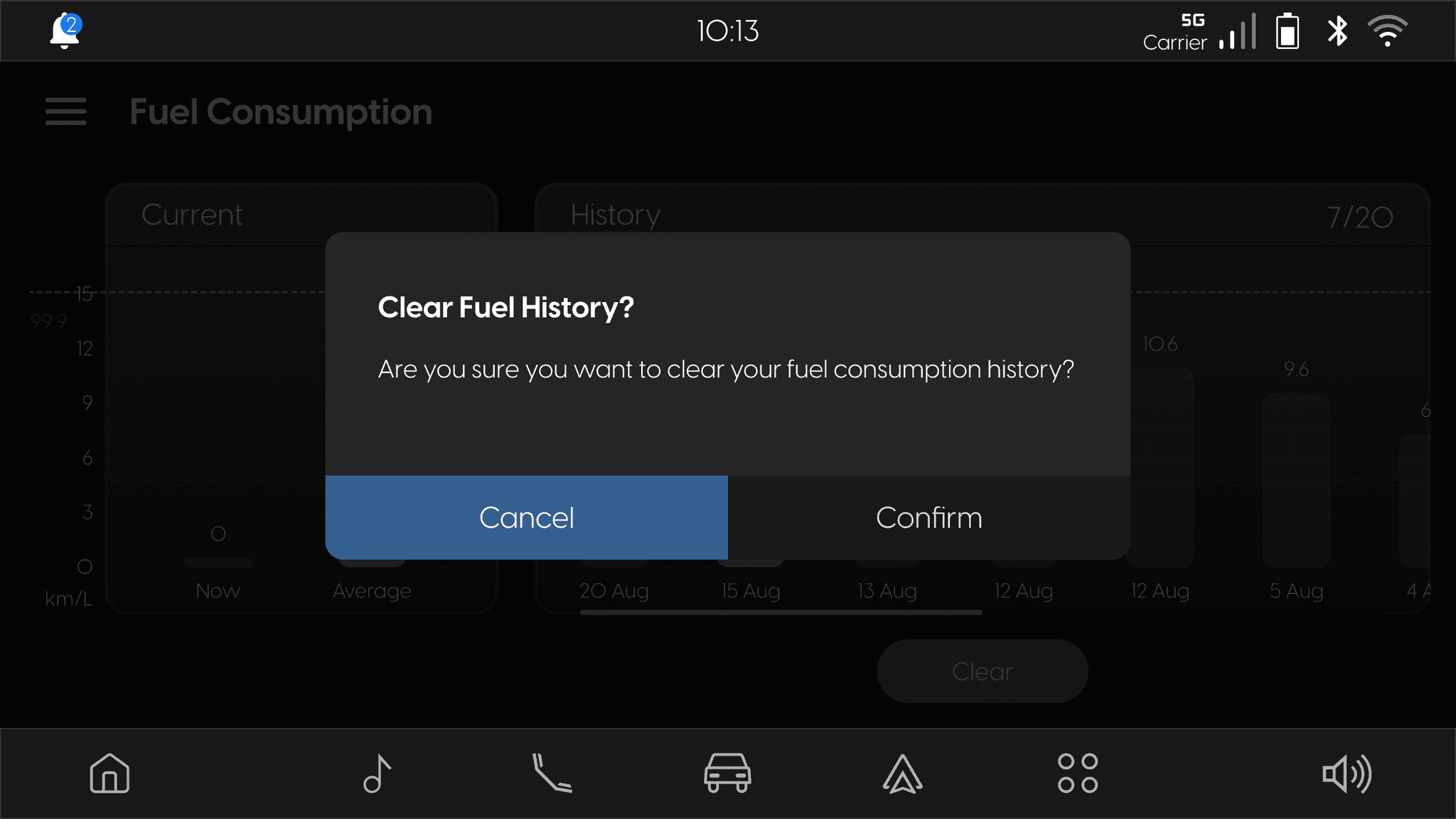
• New Vehicle App Feature: Integrating additional vehicle-related functionalities, including trip info, fuel consumption, TPMS, and energy flow.
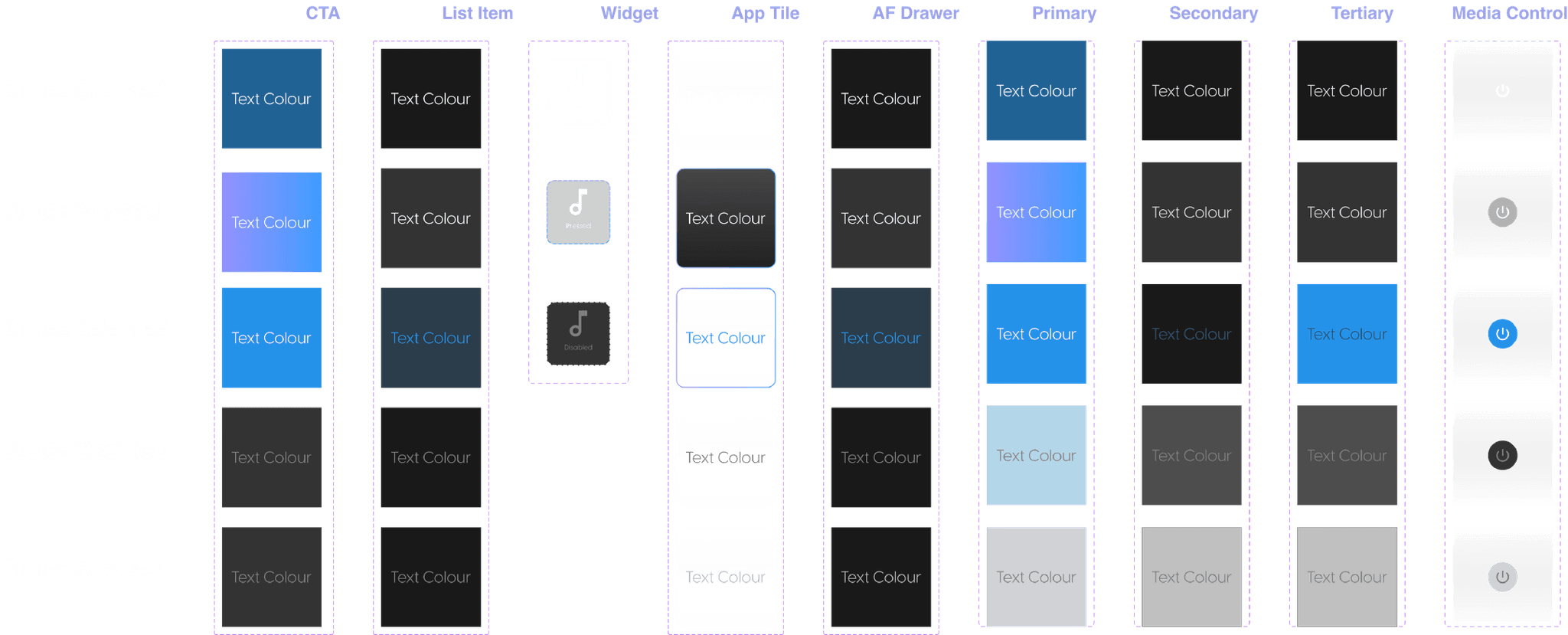
• Enhanced Design System: Updating and optimising the design system with Token Studio for scalable and efficient UI management.
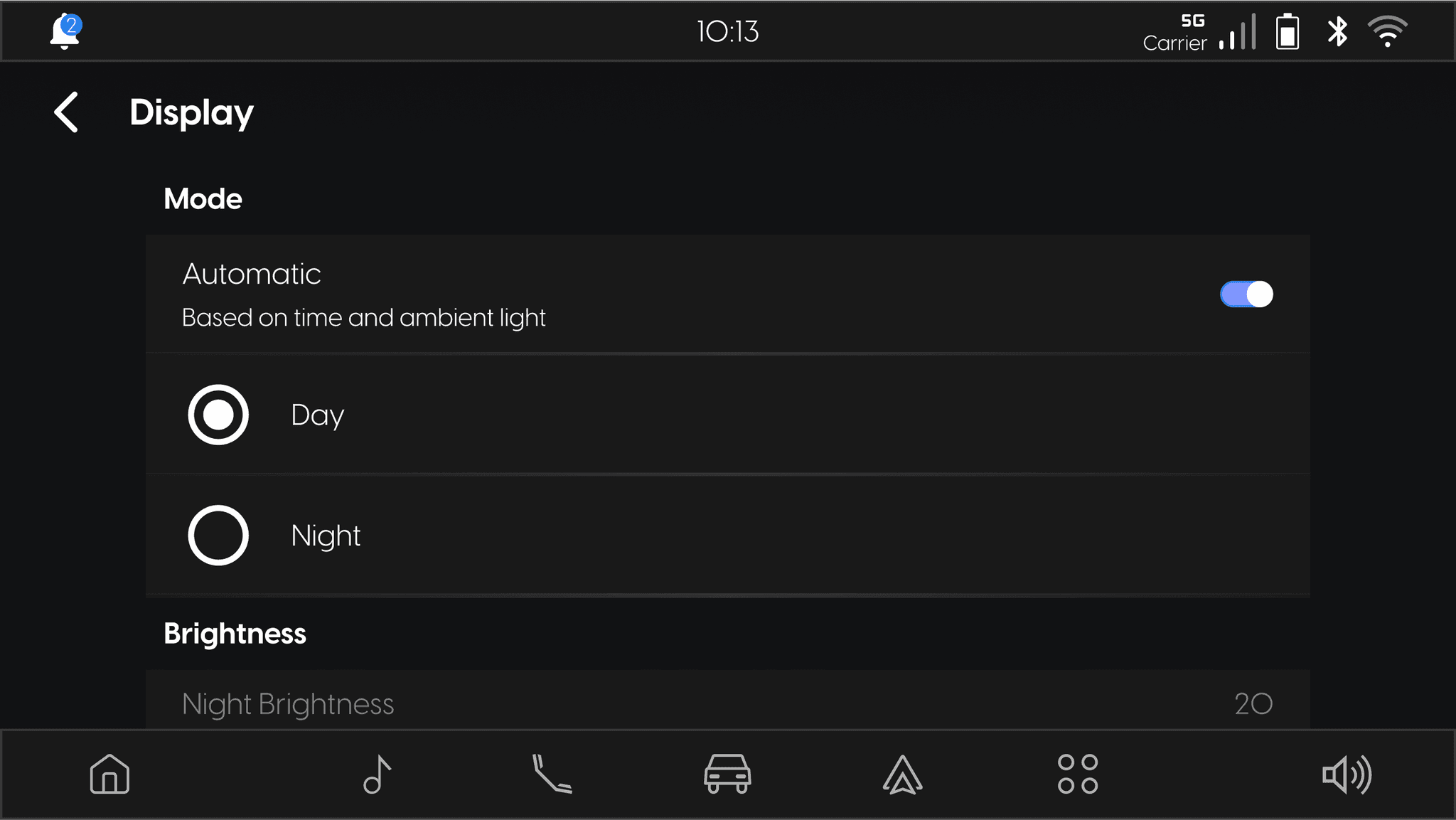
• Dark Mode to Day Mode Conversion: Creating day mode screens for better visibility in different driving conditions.
My Role: Senior UI Designer
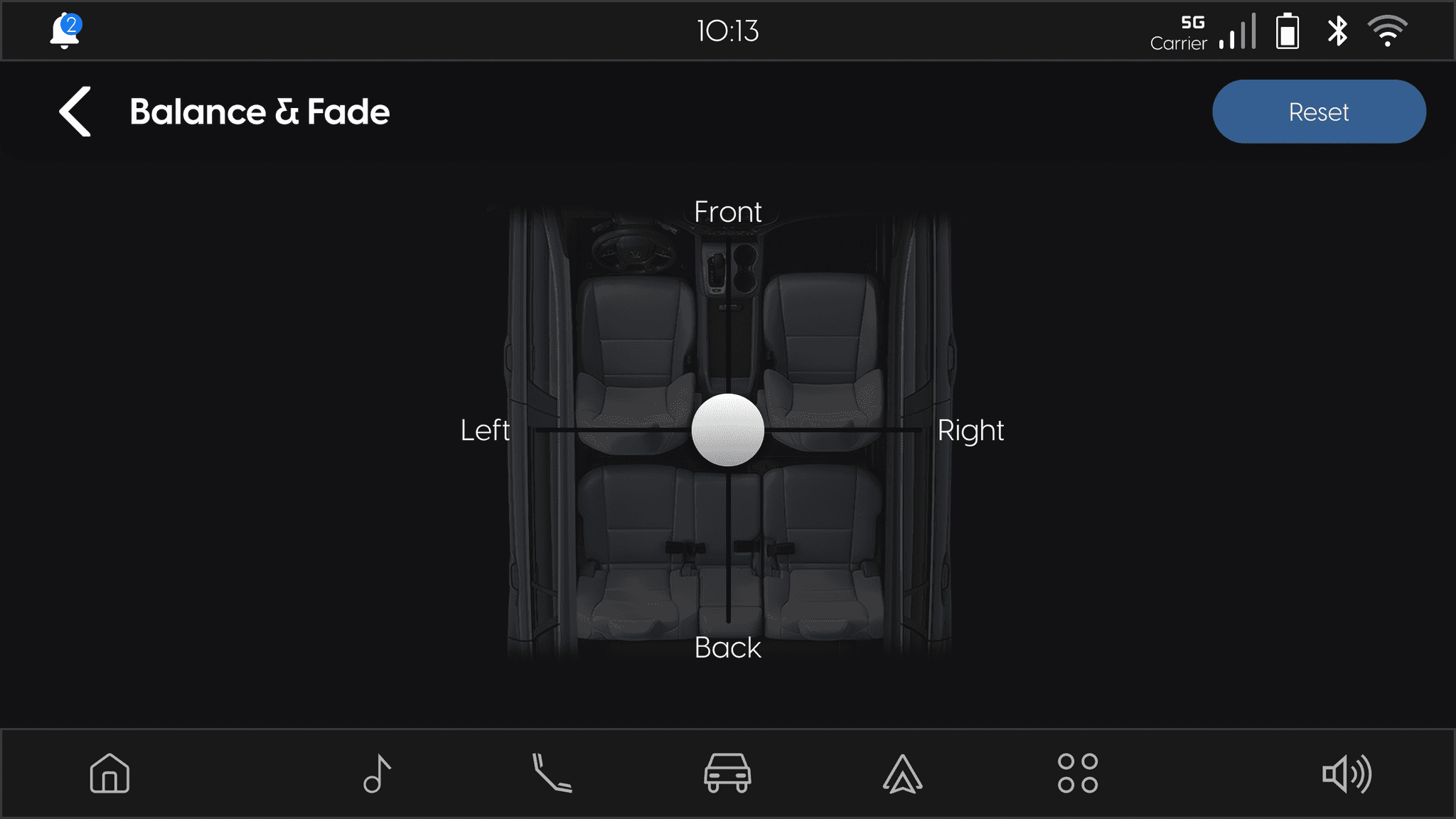
• UI Adaptation & Rescaling: Adjusted the infotainment system’s UI for a smaller screen (1280x720) while maintaining consistency.
• Design System Management: Updated and expanded the Token Studio design system, ensuring scalability and efficiency.
• High-Fidelity Prototypes: Created detailed UI designs and prototypes for new vehicle features.
• Client Communication: Acted as a liaison between the design team and client, ensuring alignment on requirements and expectations.
• Deliverable Management: Oversaw timelines, feedback cycles, and handoffs to ensure smooth project execution.
TEAM COMPOSITION
• Lead Designer: Project strategy & coordination
• UX Designers: Research & wireframing
• UI Designers: Rescaling UI, high-fidelity design, creating tokens, and maintaining the design system
Workshops & Token Studio Learning
We conducted workshops with the client to explore the Token Studio plugin and its integration into the design system. We used Token Studio for the complete rescaling of the user interface, which helped ensure consistency and efficiency. Additionally, we addressed and resolved several broken links within the plugin.
Rescaling Approach
Used a scaling formula to adapt all screens, components, and typography from 1920x1080 to 1280x720, maintaining visual hierarchy and usability. The entire rescaling process was executed using Token Studio for consistency.
Design System Expansion
Updated the existing Token Studio system with new components, icons, and styles, ensuring a scalable and cohesive design language.
New Feature Design
After rescaling, we created wireframes and high-fidelity designs for the new vehicle features. We also added animations to make the features more engaging. Our goal was to ensure these new elements worked well with the existing system.
Client Collaboration & Iterations
Held weekly meetings with the client to discuss feedback and iterations, refining designs based on their inputs and aligning them with technical feasibility.
Prototyping & Validation
Developed high-fidelity prototypes for the new vehicle app features, allowing for user testing and validation before final implementation.
Understanding the Challenges
Before diving into the rescaling process, we identified key usability and technical challenges that needed to be addressed:
Rescaling Complexity
Challenge: Reducing all screens, components, and icons while maintaining a clear information hierarchy and visual consistency.
Solution: Implemented a scaling formula for resizing fonts, components, and layouts while preserving readability and usability.
Token Studio Efficiency
Challenge: Learning and implementing Token Studio for efficient design system management.
Solution: Developed a structured workflow for creating and managing tokens, ensuring scalability and consistency across screens.
Broken Plugin Links
Challenge: Collaborating with the client’s team to resolve internal Token Studio plugin issues.
Solution: Worked closely with developers and designers to identify workarounds and establish best practices for plugin usage.
Expanding the Design System
Challenge: Creating new UI components, icons, and styles while maintaining design consistency.
Solution: Developed standardised components and a scalable design system, ensuring visual harmony across the infotainment system.
Integrating the New Vehicle App Feature
Challenge: Ensuring seamless integration of the new vehicle app while maintaining a cohesive visual identity.
Solution: Designed a modular layout that smoothly integrates with existing infotainment screens while keeping the user experience intuitive.
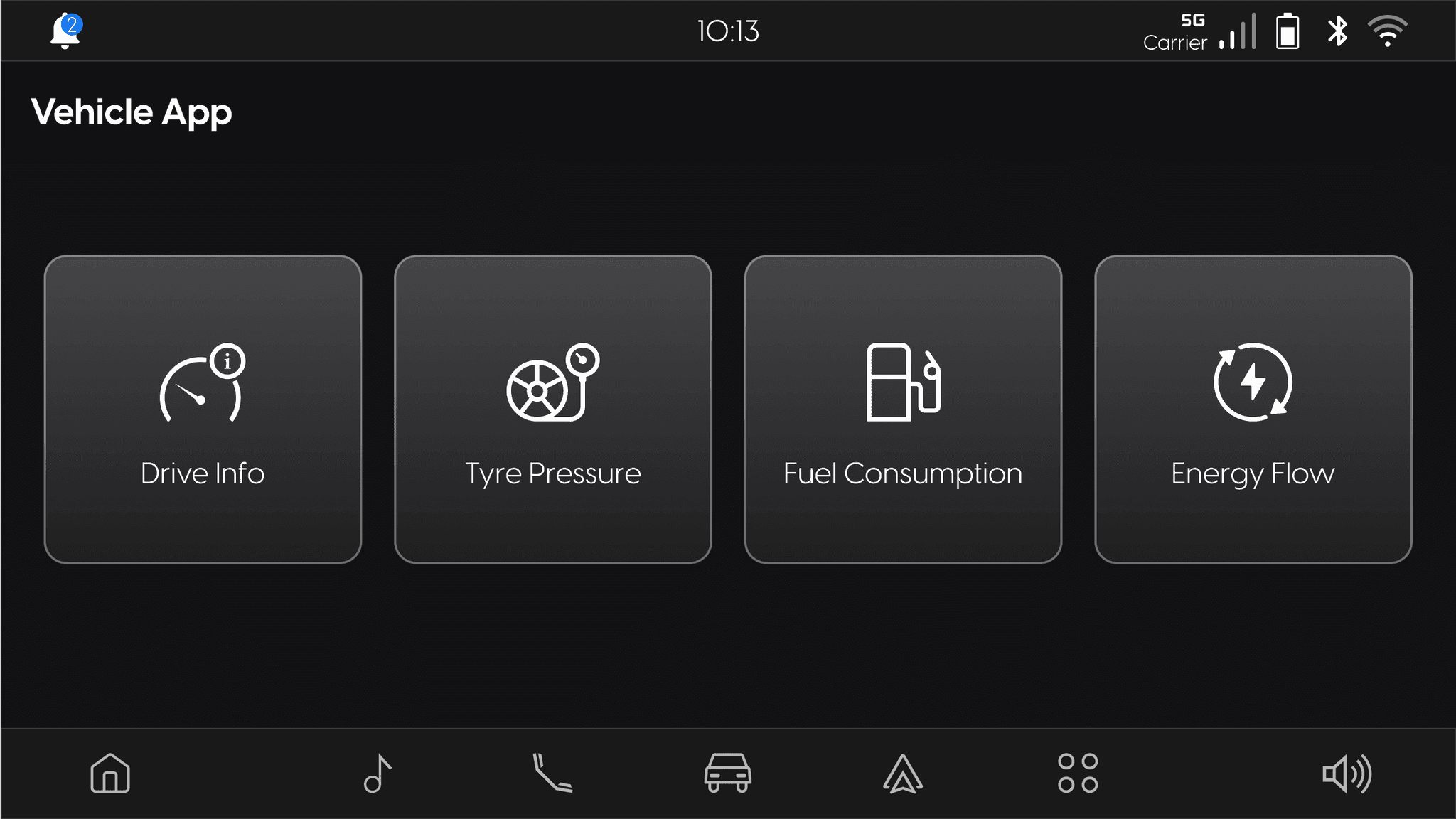
Vehicle App Landing Screen
(Drive Info Enabled State)
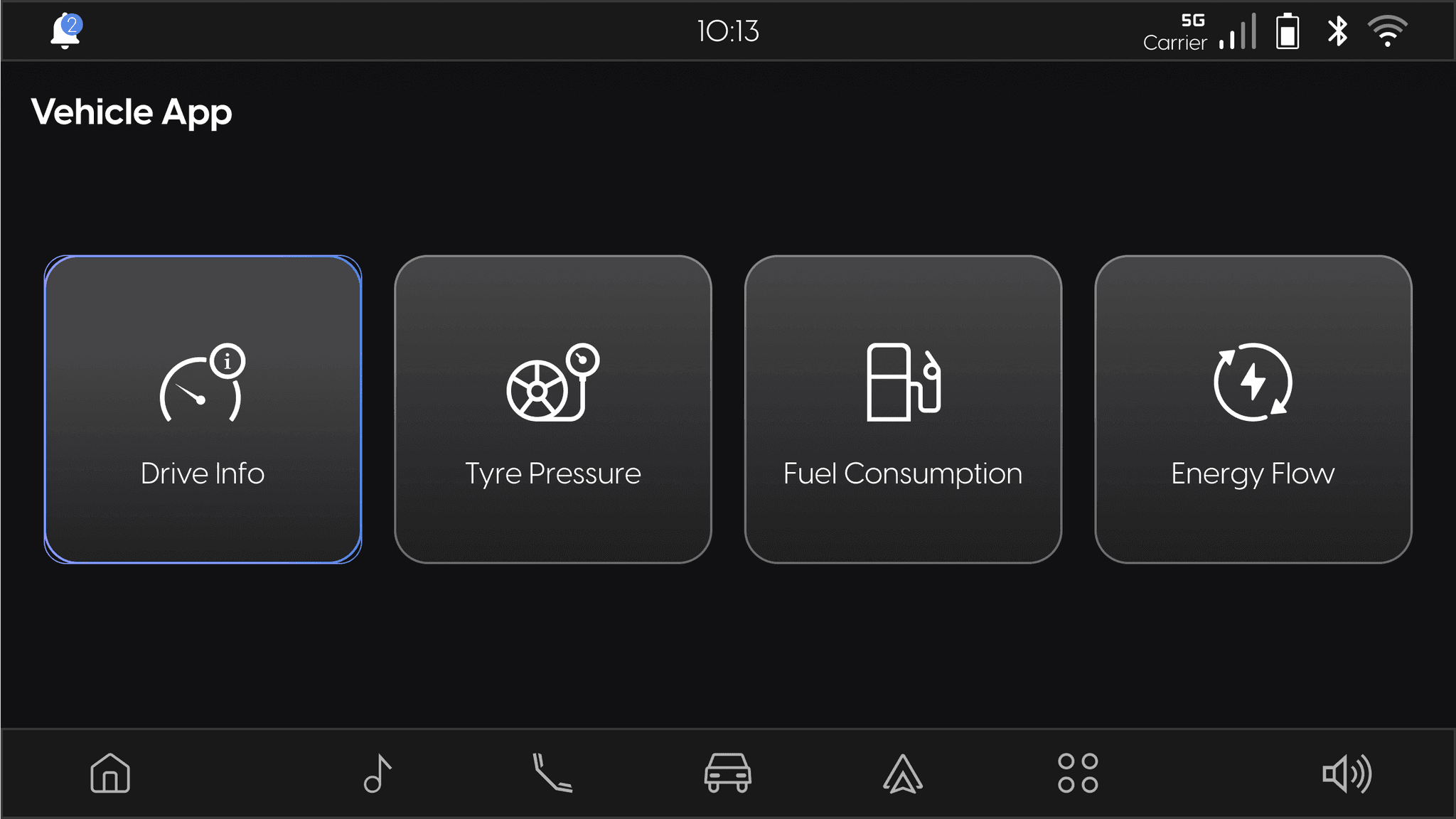
(Drive Info Selected State)
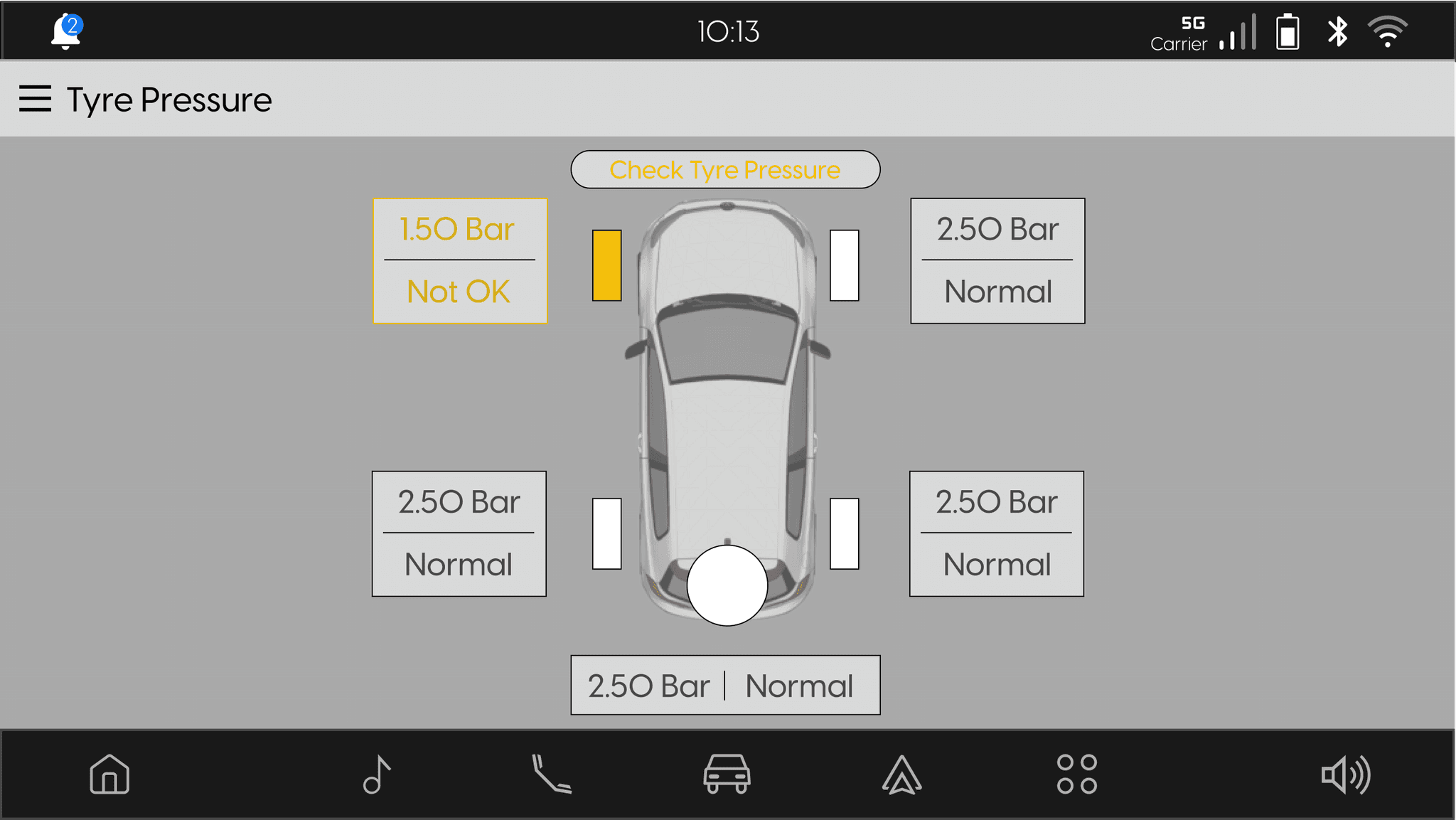
TYRE PRESSURE
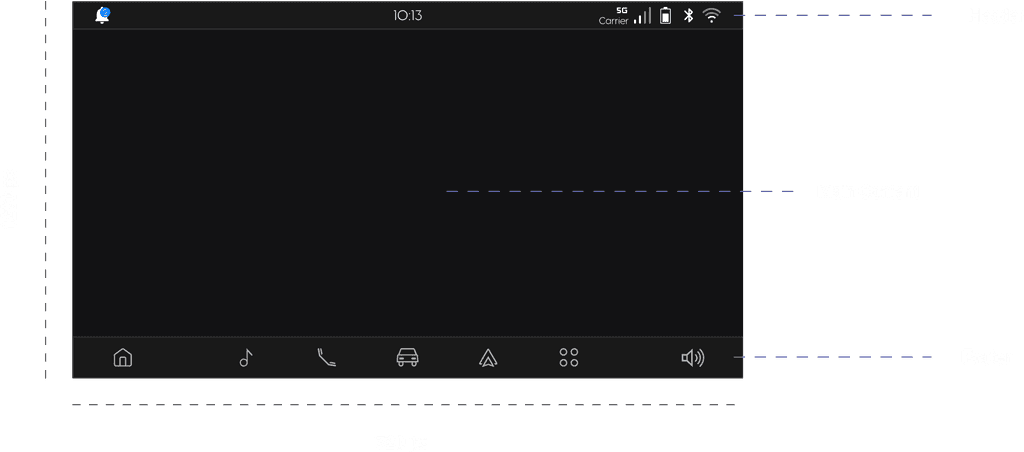
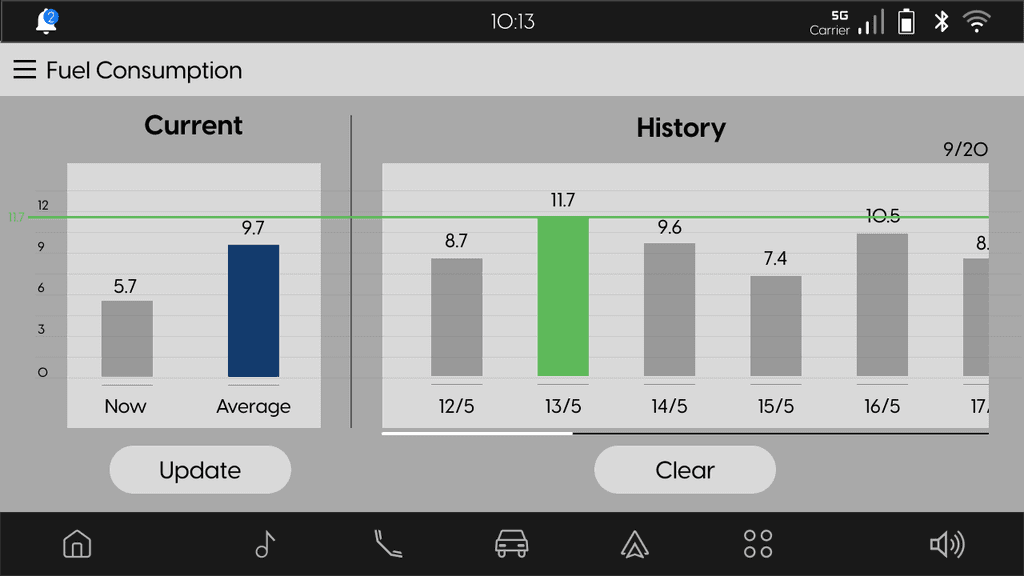
FUEL CONSUMPTION
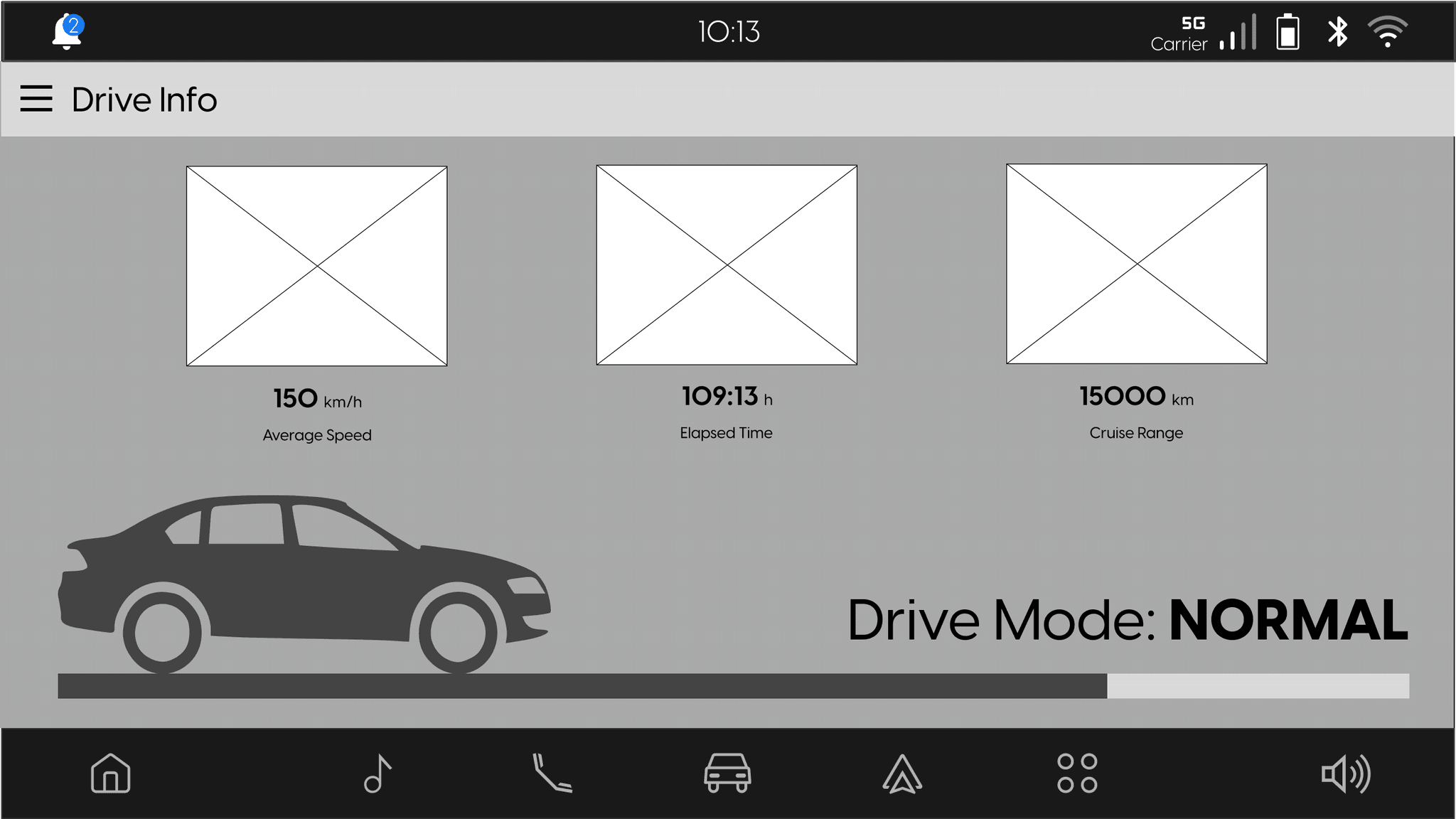
DRIVE INFO
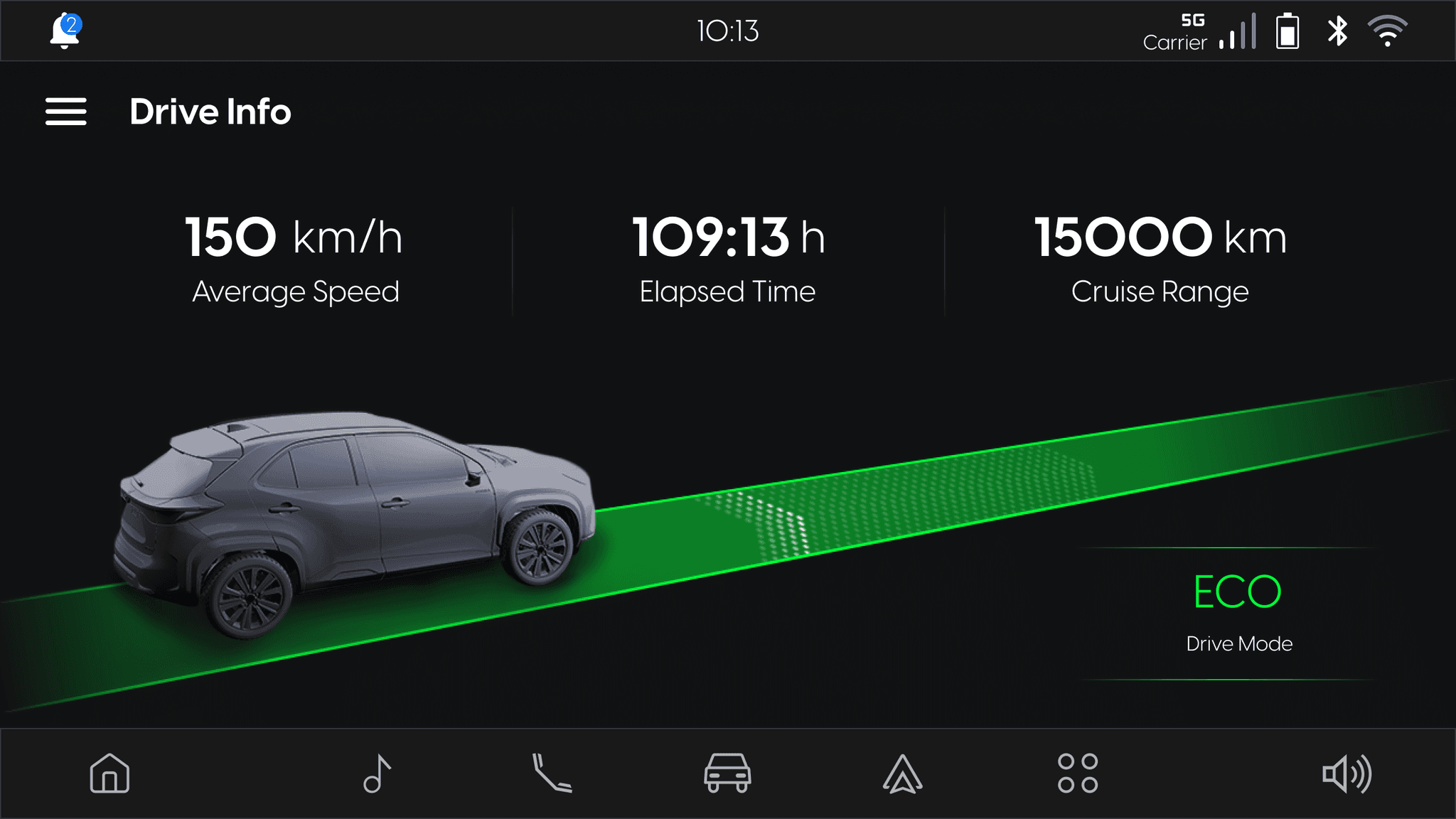
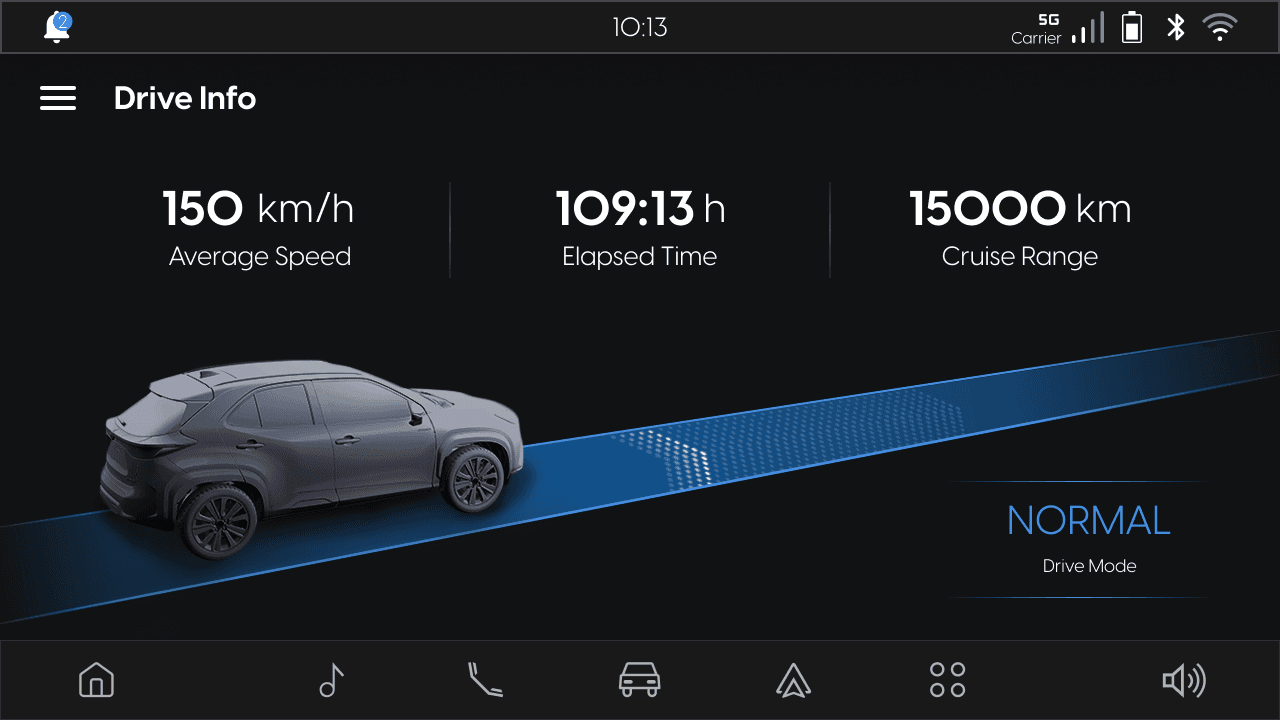
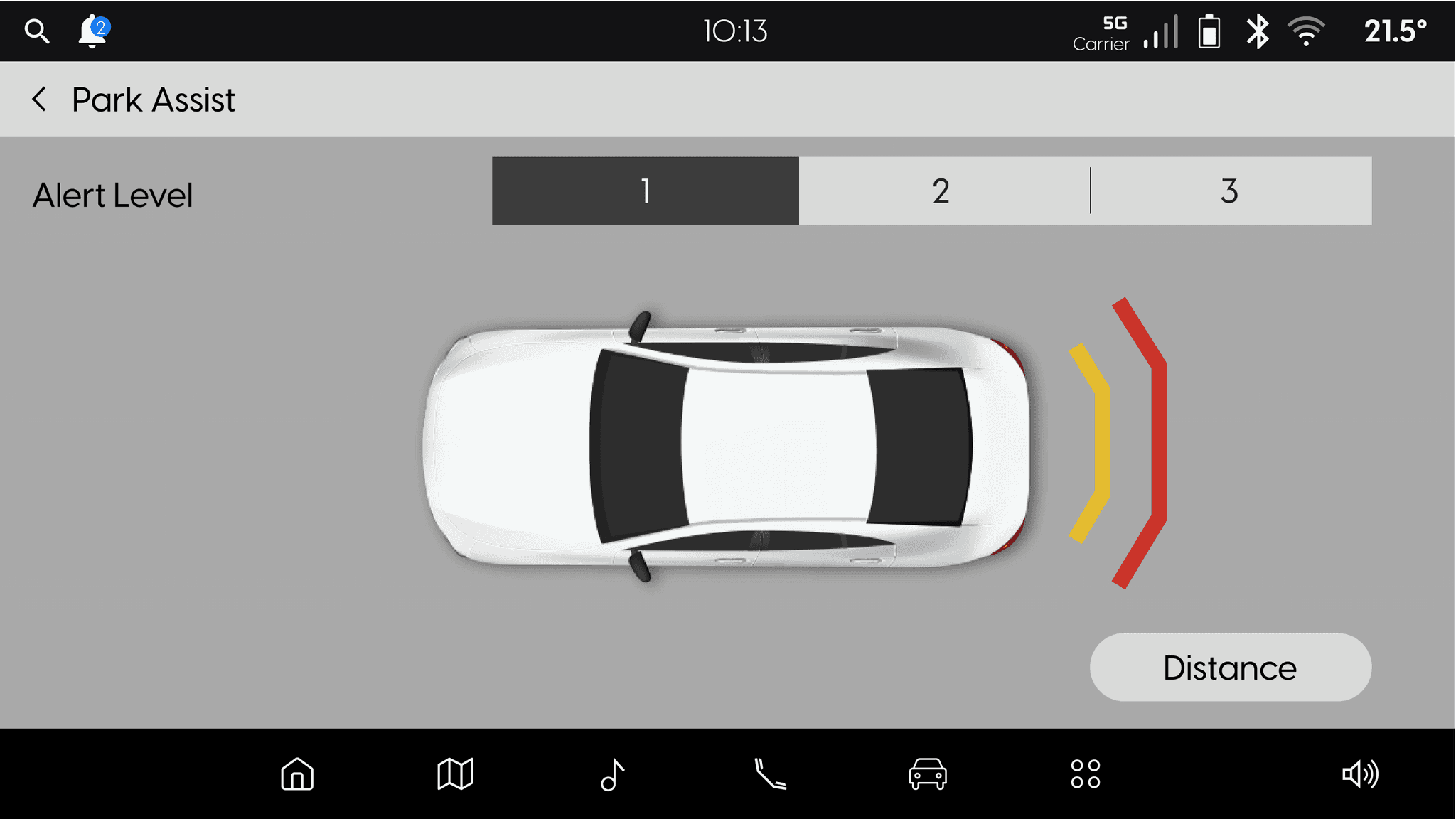
PARK ASSIST
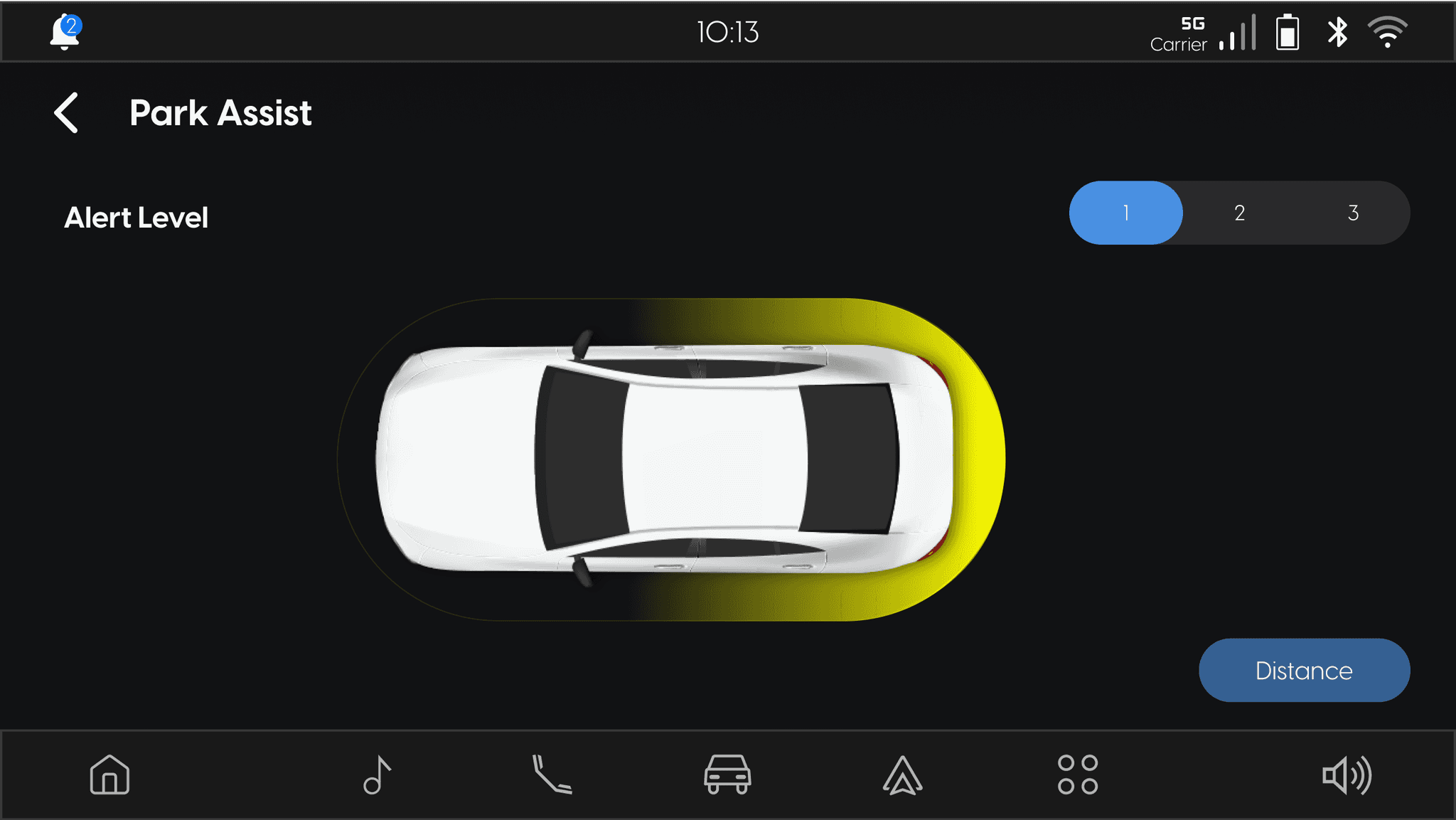
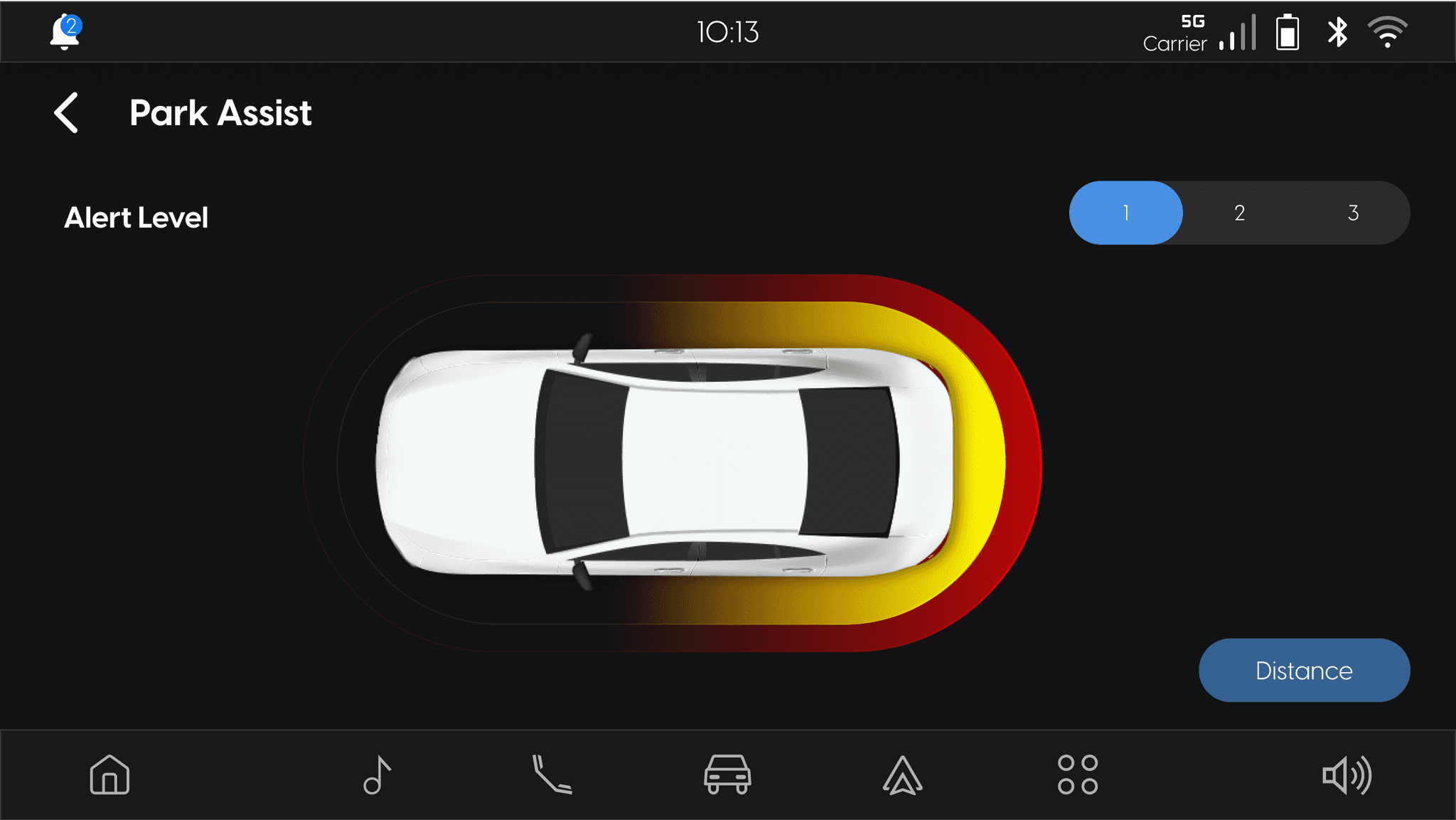
SETTINGS
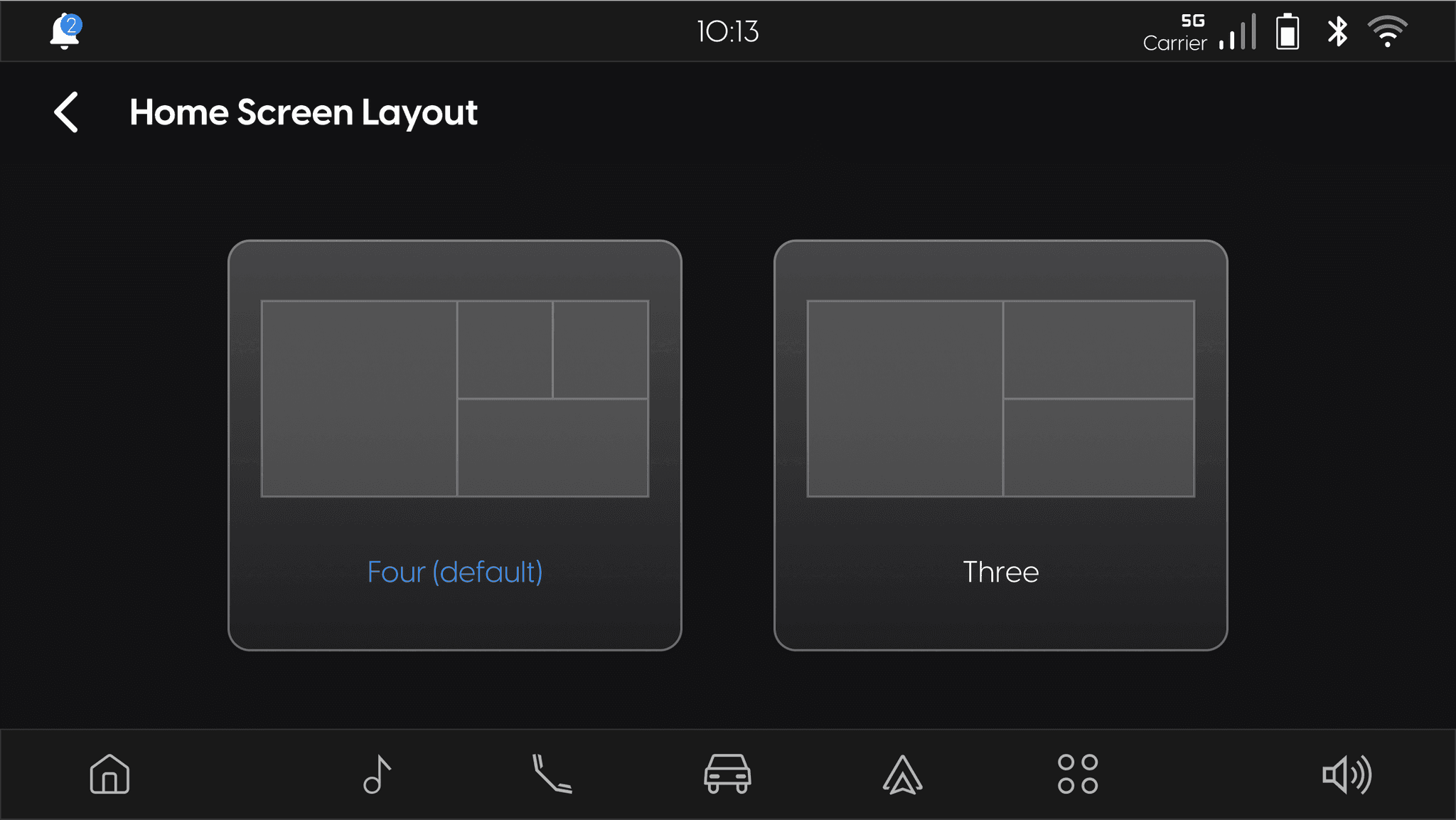
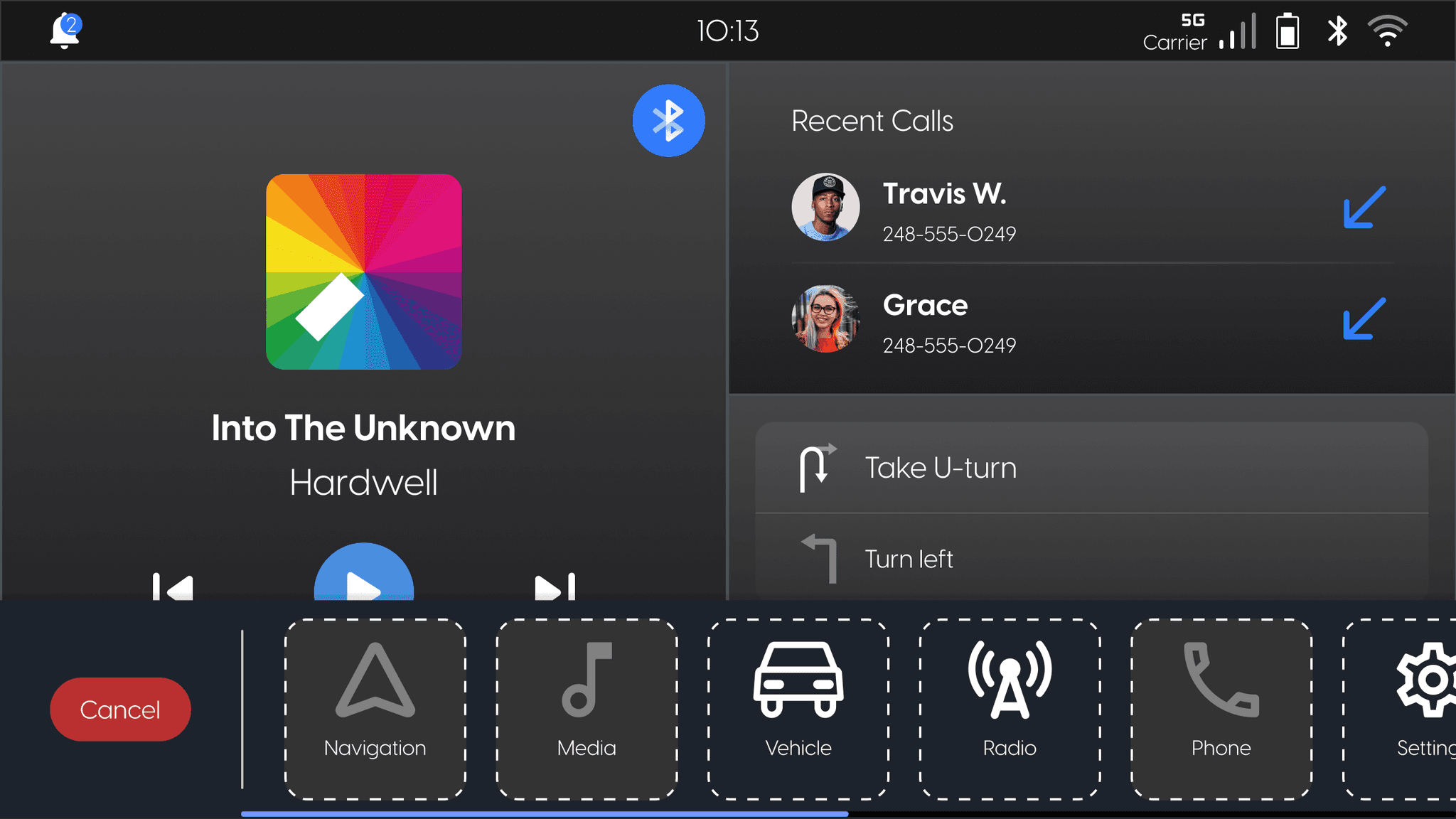
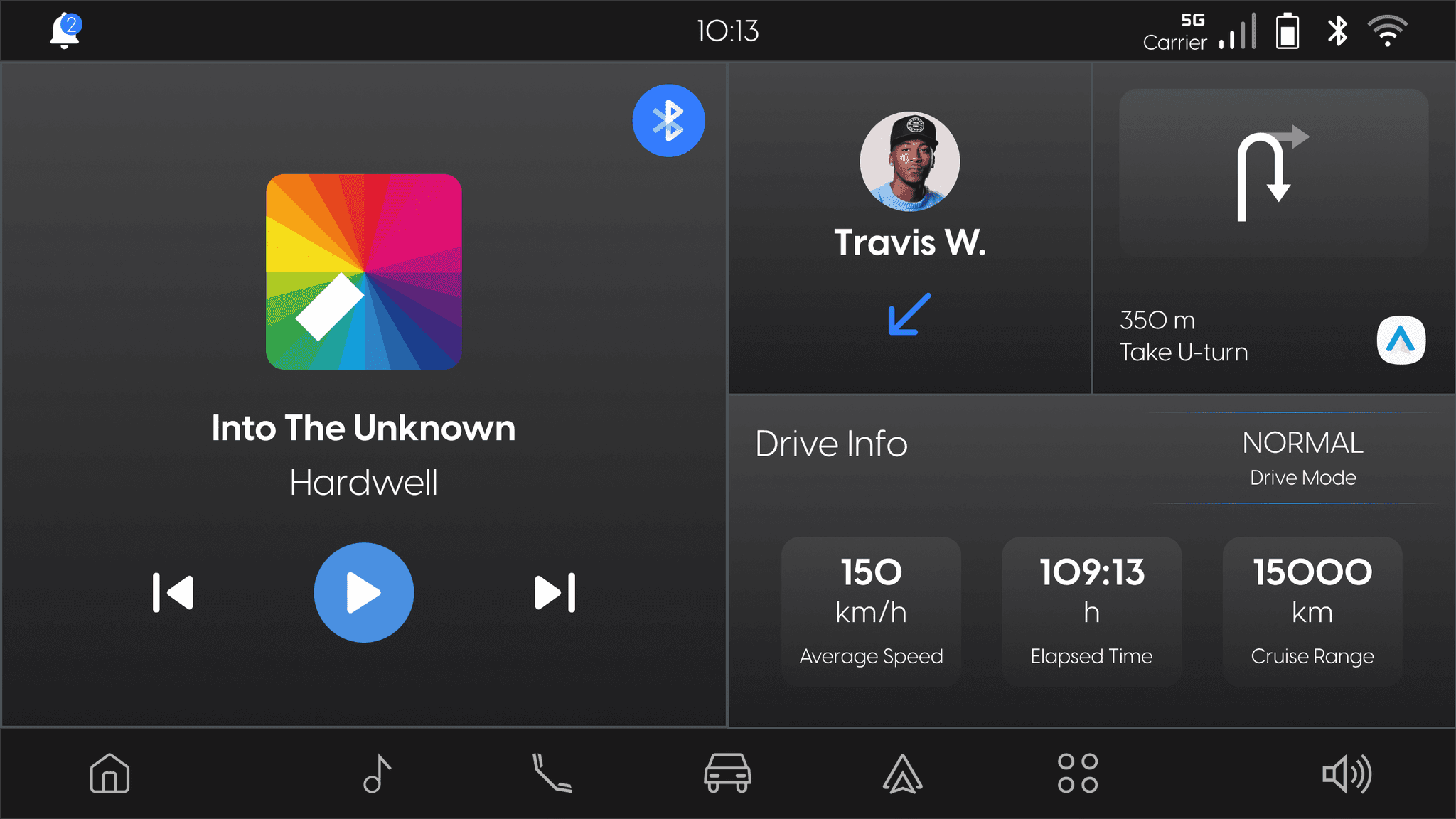
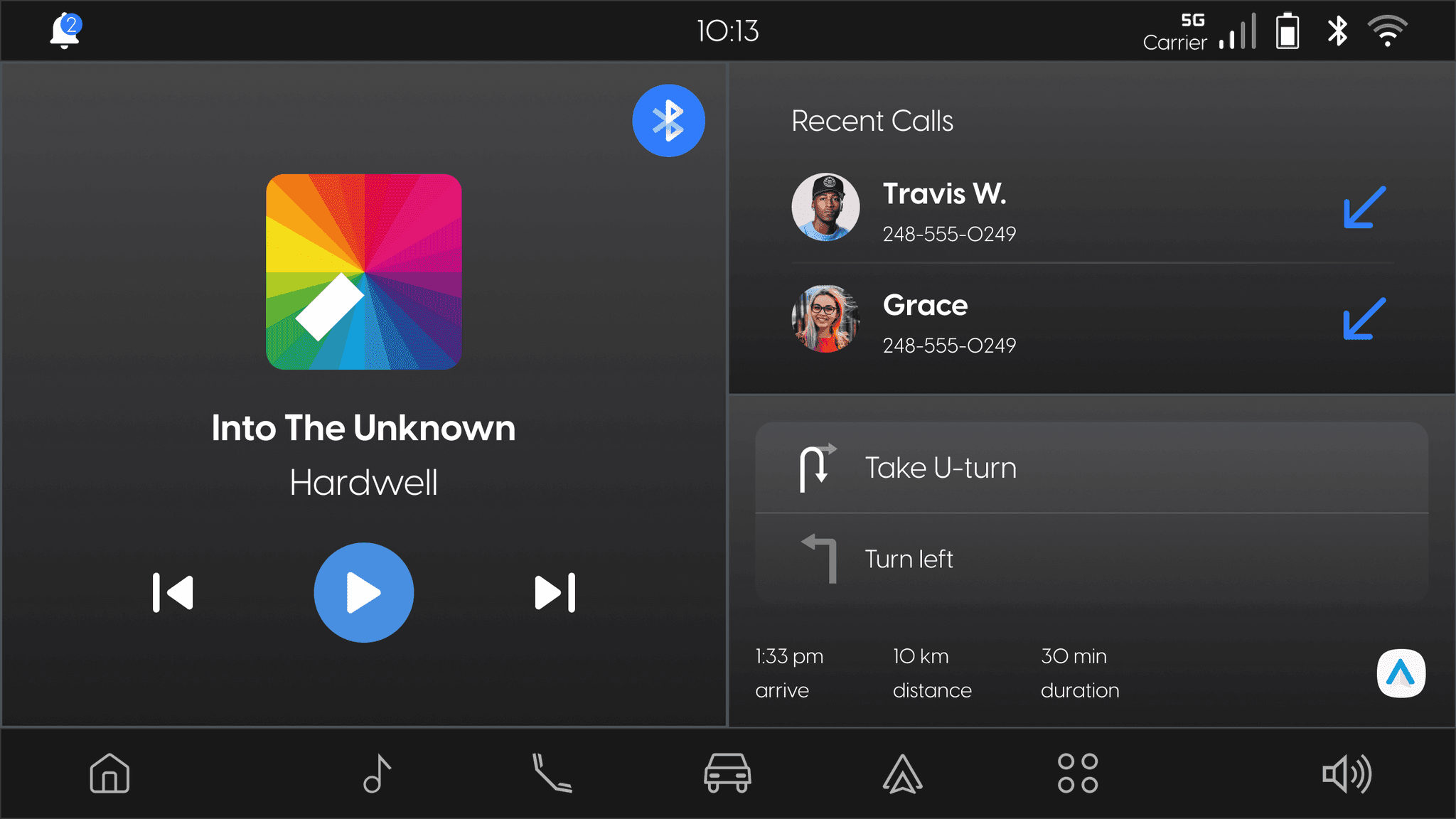
HOME SCREEN 4-TILE & 3-TILE LAYOUT
• Updated the design system with new tokens, icons, and UI components.
• Ensured seamless integration of new components into the existing infotainment system.